Cybersecurity for Beginners: 7 Essential Practices for U.S. Young Adults

Anúncios
For U.S. young adults navigating the digital world in 2026, implementing fundamental cybersecurity practices is crucial to safeguard personal information, prevent identity theft, and maintain a secure online presence.
Anúncios
Navigating the digital landscape in 2026 presents both incredible opportunities and significant risks. For young adults across the U.S., understanding and implementing strong cybersecurity for beginners is no longer optional but a fundamental life skill. This guide will equip you with seven essential practices to protect your digital footprint.
Anúncios
Understanding the Modern Threat Landscape
The internet evolves rapidly, and so do the threats lurking within it. As U.S. young adults become increasingly interconnected, from social media to online banking, the sophistication of cyberattacks grows. Recognizing the types of dangers you face is the first step toward effective defense.
Cybercriminals target personal data for various reasons, including identity theft, financial fraud, and even blackmail. They exploit vulnerabilities in software, human error, and weak security protocols to gain unauthorized access to your accounts and sensitive information. Staying informed about current attack vectors is paramount.
Common Cyber Threats to Watch For
- Phishing Scams: Deceptive emails or messages designed to trick you into revealing personal information.
- Malware and Ransomware: Malicious software that can compromise your device or hold your data hostage.
- Identity Theft: When someone uses your personal information to commit fraud.
- Public Wi-Fi Vulnerabilities: Unsecured networks where data can be intercepted easily.
Staying vigilant and recognizing these threats is a continuous process. Education about the latest scams and attack methods can significantly reduce your risk of becoming a victim. Always question unexpected requests for personal information, even if they appear to come from trusted sources.
Practice 1: Strong, Unique Passwords and Multi-Factor Authentication
Your passwords are the first line of defense against unauthorized access to your digital life. Many young adults still rely on simple, easily guessable passwords or reuse the same password across multiple accounts, creating significant vulnerabilities. It’s time to upgrade your password game for 2026.
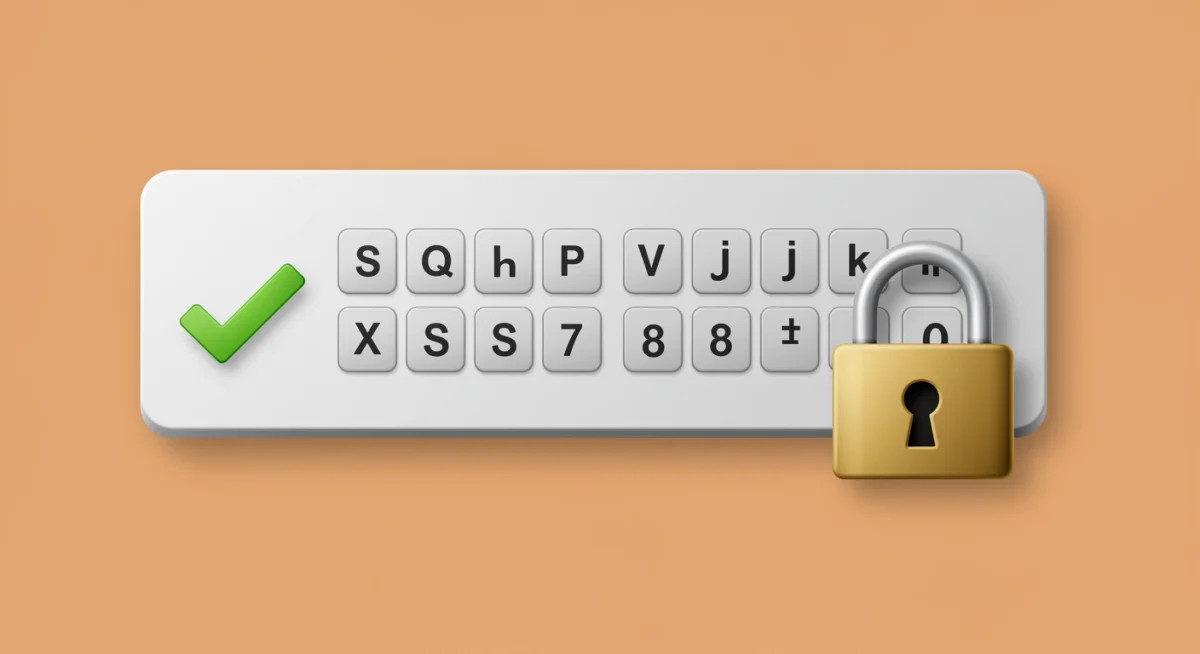
Creating strong passwords involves combining a mix of uppercase and lowercase letters, numbers, and special characters. Aim for at least 12-16 characters. While memorable phrases can work, using a password manager is highly recommended to generate and store complex, unique passwords for every service.
The Power of Multi-Factor Authentication (MFA)
Even the strongest password can be compromised. This is where multi-factor authentication (MFA) becomes a game-changer. MFA adds an extra layer of security by requiring two or more verification factors to gain access to an account. This typically involves something you know (your password) and something you have (a code from your phone or a biometric scan).
- SMS Codes: A code sent to your registered phone number.
- Authenticator Apps: Apps like Google Authenticator or Authy generate time-sensitive codes.
- Biometrics: Fingerprint or facial recognition for device access.
- Security Keys: Physical devices that verify your identity.
Enabling MFA on all your critical accounts – email, social media, banking, and cloud storage – is one of the most impactful steps you can take to enhance your cybersecurity. It significantly reduces the chances of an attacker gaining access, even if they manage to steal your password.
Practice 2: Be Wary of Phishing and Social Engineering
Phishing remains one of the most prevalent and effective cyberattack methods. It preys on human psychology, tricking individuals into revealing sensitive information or downloading malicious software. For U.S. young adults, who are constantly interacting online, recognizing and avoiding these scams is crucial.
Phishing attempts can come in various forms: emails, text messages (smishing), social media direct messages, and even phone calls (vishing). They often mimic legitimate organizations like banks, government agencies, or popular online services, creating a sense of urgency or fear to prompt a quick, unthinking response.
How to Spot a Phishing Attempt
- Suspicious Sender: Check the sender’s email address carefully for slight misspellings or unusual domains.
- Generic Greetings: Legitimate organizations usually address you by name.
- Urgent or Threatening Language: Scammers often use fear tactics to rush you.
- Links and Attachments: Hover over links to see the actual URL before clicking; avoid opening unexpected attachments.
- Poor Grammar or Spelling: A common red flag in fraudulent communications.
Always verify the legitimacy of a request through official channels – directly calling the company using a number from their official website, not one provided in the suspicious message. Never click on links or download attachments from unsolicited or questionable sources. Your skepticism is your best defense against social engineering tactics.
Practice 3: Keep Software Updated and Use Antivirus Protection
Outdated software is a cybersecurity vulnerability waiting to be exploited. Software developers constantly release updates that include security patches to fix newly discovered flaws. Neglecting these updates leaves your devices exposed to known weaknesses that cybercriminals actively target.
This applies to all your devices: operating systems (Windows, macOS, iOS, Android), web browsers, applications, and even smart devices. Enable automatic updates whenever possible, or make it a routine to check for and install updates promptly. Proactive patching is a cornerstone of effective digital defense.
The Role of Antivirus and Anti-Malware Software
Beyond updates, robust antivirus and anti-malware software provide real-time protection against malicious programs. These tools scan your files, monitor your system for suspicious activity, and can detect and remove threats before they cause significant damage. For young adults, this is an essential layer of protection for personal computers and often smartphones.
- Real-time Scanning: Continuously monitors for new threats as you browse and download.
- Scheduled Scans: Performs deep scans of your system at regular intervals.
- Quarantine and Removal: Isolates and eliminates detected malware.
- Firewall Protection: Helps control network traffic to and from your device.
Invest in reputable antivirus software and ensure it’s always active and up-to-date. Free versions can offer basic protection, but paid subscriptions often provide more comprehensive features. Combining regular software updates with reliable antivirus protection creates a formidable barrier against a wide array of cyber threats.
Practice 4: Secure Your Network and Public Wi-Fi Usage
Your home network is the gateway to your digital world. Ensuring its security is just as important as protecting your individual devices. Many young adults overlook router security, leaving their entire home network vulnerable to intrusion.
Start by changing the default password on your Wi-Fi router. These default credentials are often publicly known, making them easy targets for attackers. Choose a strong, unique password, similar to those you use for online accounts. Also, ensure your router uses WPA3 or WPA2 encryption, which are the most secure protocols available.
Navigating Public Wi-Fi Safely
Public Wi-Fi networks, found in coffee shops, airports, and libraries, offer convenience but come with inherent risks. These networks are often unsecured, meaning any data you send or receive could be intercepted by malicious actors on the same network. Avoid conducting sensitive transactions like online banking or shopping while connected to public Wi-Fi.
- Use a VPN: A Virtual Private Network encrypts your internet traffic, providing a secure tunnel even on public networks.
- Stick to HTTPS: Ensure websites you visit use HTTPS (look for the padlock icon), indicating an encrypted connection.
- Disable File Sharing: Turn off file and printer sharing on your devices when using public Wi-Fi.
- Be Mindful of Auto-Connect: Disable automatic connection to unknown Wi-Fi networks to prevent accidental exposure.
While the convenience of public Wi-Fi is undeniable, prioritize your security. A VPN is an indispensable tool for anyone frequently using these networks, providing a layer of encryption that protects your data from prying eyes. Always assume public Wi-Fi is insecure and act accordingly.
Practice 5: Understand Privacy Settings and Data Sharing
In today’s digital age, your personal data is a valuable commodity. Social media platforms, apps, and websites collect vast amounts of information about you. For U.S. young adults, actively managing privacy settings and understanding data sharing policies is crucial for maintaining control over your digital identity.
Take the time to review and adjust the privacy settings on all your social media accounts, email services, and other online platforms. Many default settings are designed to share more information than you might be comfortable with. Limit who can see your posts, personal details, and even your location.
Being Mindful of What You Share Online
- Think Before You Post: Once something is online, it’s often there permanently. Consider the long-term implications of sharing personal details, photos, or opinions.
- Location Services: Be selective about which apps have access to your location data.
- App Permissions: Regularly review the permissions you grant to apps on your smartphone. Does a flashlight app really need access to your contacts or microphone?
- Data Brokers: Be aware that companies collect and sell your data. Limiting your online footprint can help.
Understanding the terms of service and privacy policies of the apps and websites you use, while often lengthy, can provide critical insight into how your data is being handled. Be proactive in managing your digital privacy; it’s an ongoing effort that empowers you to control your narrative and protect your information from unwanted exposure.
Practice 6: Regular Data Backups and Device Security
Imagine losing all your photos, important documents, or school projects due to a device malfunction, theft, or a cyberattack like ransomware. For young adults, this scenario is not just inconvenient; it can be devastating. Regular data backups are your safety net against such digital catastrophes.
There are various methods for backing up your data. Cloud services like Google Drive, Dropbox, or iCloud offer convenient automatic backups, but ensure they are secure and ideally encrypted. External hard drives provide a physical backup solution, giving you full control over your data. A combination of both is often the most robust strategy.
Securing Your Devices Physically
- Lock Your Devices: Always use a PIN, pattern, fingerprint, or facial recognition to lock your smartphones, tablets, and computers.
- Encryption: Enable full-disk encryption on your laptops and smartphones, so even if the device is stolen, your data remains secure.
- Find My Device Features: Utilize features like ‘Find My iPhone’ or ‘Find My Device’ for Android to locate a lost device or remotely wipe its data.
- Public Charging Stations: Avoid using public USB charging stations (juice jacking) as they can be compromised to install malware or steal data.
Proactive device security, both digital and physical, is paramount. Regularly backing up your data and securing your devices against theft or loss ensures that even if the worst happens, your valuable information remains recoverable. Don’t wait until it’s too late to implement these essential safeguards.
Practice 7: Recognize and Report Cyber Incidents
Even with the best cybersecurity practices, incidents can still occur. Recognizing when you’ve been targeted or compromised and knowing how to respond is a critical skill for U.S. young adults in 2026. Swift action can mitigate damage and help prevent further exploitation.
Common signs of a cyber incident include suspicious activity on your accounts (unrecognized logins or transactions), unusual emails or messages from your contacts, pop-ups indicating malware, or your device behaving erratically. Trust your instincts; if something feels off, investigate it.
Steps to Take During a Cyber Incident
- Disconnect from the Internet: If you suspect malware, disconnect your device to prevent further spread or data exfiltration.
- Change Passwords: Immediately change passwords for any compromised accounts, and any other accounts using the same password. Use a different, clean device if possible.
- Notify Relevant Parties: Inform your bank if financial fraud is suspected, or friends/family if your social media account is compromised.
- Report the Incident: File a report with the appropriate authorities (e.g., IC3.gov for internet crime, or the FTC for identity theft).
- Backup and Restore: If your system is compromised, restore from a clean backup after cleaning the device.
Reporting cyber incidents not only helps you, but also contributes to a broader effort to track and combat cybercrime. Don’t be embarrassed to report; cybercriminals are sophisticated, and even careful individuals can fall victim. Learning from incidents and sharing information strengthens the collective defense against online threats.
| Key Practice | Brief Description |
|---|---|
| Strong Passwords & MFA | Use unique, complex passwords and enable multi-factor authentication everywhere possible. |
| Beware of Phishing | Learn to identify and avoid deceptive emails, messages, and social engineering tactics. |
| Software Updates & Antivirus | Keep all software current and use reputable antivirus protection on your devices. |
| Secure Networks & Wi-Fi | Secure your home Wi-Fi and use VPNs or caution on public networks. |
Frequently Asked Questions About Online Safety
Strong, unique passwords prevent unauthorized access, while Multi-Factor Authentication (MFA) adds an extra layer of security, making it significantly harder for cybercriminals to breach your accounts, even if they somehow obtain your password. This is crucial for protecting personal data and financial information.
Look for red flags like suspicious sender addresses, generic greetings, urgent or threatening language, and poor grammar. Always hover over links before clicking to check the actual URL, and never open unexpected attachments. Verify requests directly with the organization using official contact methods.
No, public Wi-Fi is generally not safe for sensitive activities like banking or shopping due to potential interception of data. If you must use public Wi-Fi, always use a Virtual Private Network (VPN) to encrypt your connection, and ensure websites use HTTPS for added security.
Immediately disconnect from the internet if you suspect malware. Change your passwords for the compromised account and any others using the same password, ideally from a clean device. Notify your bank if financial fraud occurred and report the incident to relevant authorities like IC3.gov or the FTC.
Regular data backups are essential. For critical files, daily or weekly backups are recommended, especially if you’re frequently creating or modifying data. For less critical information, monthly backups might suffice. Use a combination of cloud services and external drives for comprehensive protection.
Conclusion
The digital world of 2026 offers unparalleled connectivity and opportunities, but with it comes an increased responsibility for personal cybersecurity. For U.S. young adults, embracing these seven essential practices—from robust password management and phishing awareness to proactive software updates and data backups—is not merely about avoiding threats; it’s about building a resilient and secure digital future. By consistently applying these principles, you empower yourself to navigate the online landscape with confidence, safeguarding your identity, privacy, and peace of mind in an ever-evolving digital age.