Remote Recording 2026: Top 3 Tools for Pro Sound Quality
Anúncios
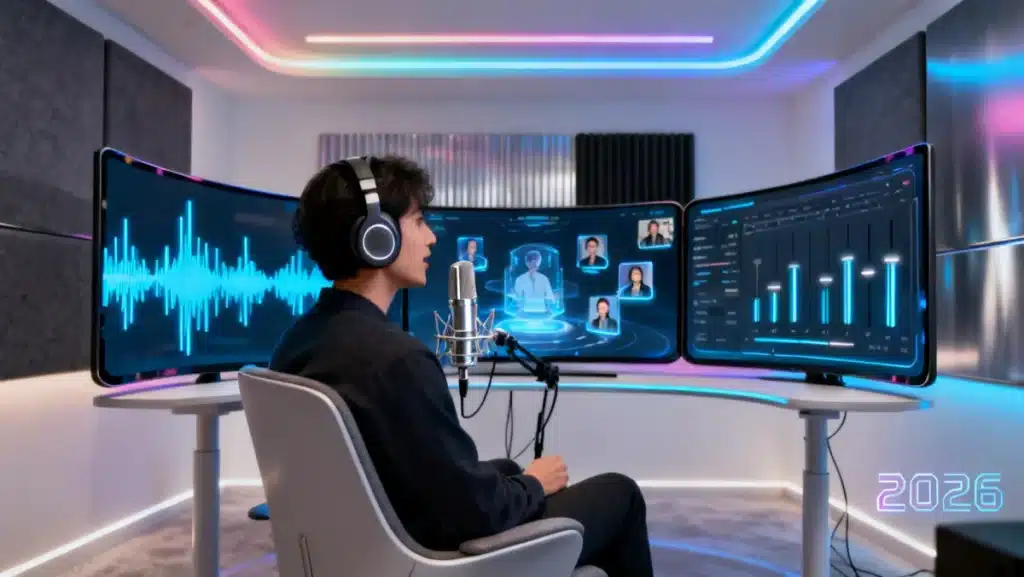
Achieving professional sound quality in remote recording 2026 demands a critical evaluation of advanced tools that seamlessly integrate high-fidelity audio capture with collaborative workflows, essential for modern content creators.
Anúncios
The landscape of content creation has evolved dramatically, with remote collaboration becoming not just a convenience but a necessity. For podcasters, voice actors, and musicians, maintaining professional sound quality from disparate locations presents unique challenges. This article delves into the cutting-edge solutions available for remote recording 2026, examining the top three tools poised to define industry standards.
The evolution of remote recording technology
Remote recording has transformed from a niche workaround into a sophisticated, mainstream practice. Early solutions often struggled with latency, synchronization, and audio fidelity, making professional results difficult to achieve. However, advancements in internet infrastructure, audio codecs, and specialized software have drastically improved the experience, allowing creators to produce broadcast-quality content from anywhere.
Anúncios
The demand for high-quality remote audio production has driven innovation, pushing developers to create platforms that are not only powerful but also user-friendly. We’ve moved beyond simple file transfers to real-time, synchronized recording environments that mimic in-person studio sessions. This evolution is critical for maintaining creative flow and technical precision, regardless of geographical distance.
Key technological accelerators
- Low-latency audio protocols: Minimizing delay between participants for natural conversation and performance.
- Cloud-based processing: Leveraging remote servers for heavy computational tasks, reducing local hardware requirements.
- AI-powered noise reduction: Automatically cleaning up environmental sounds for clearer recordings.
- Enhanced security and data encryption: Ensuring sensitive audio projects remain protected during transmission and storage.
The continuous development in these areas signifies a commitment to making remote recording indistinguishable from traditional studio work. For professionals, understanding these underlying technologies is key to choosing the most effective tools for their specific needs, ensuring their output consistently meets high industry standards.
Tool 1: Riverside.fm – The AI-powered studio experience
Riverside.fm has cemented its place as a frontrunner in the remote recording space, particularly for podcasters and video creators. Its appeal lies in its ability to record local, uncompressed audio and video tracks from each participant, circumventing internet-dependent quality degradation. This means that even if a participant’s internet connection fluctuates, their individual recording remains pristine.
The platform’s intuitive interface makes it accessible for both seasoned professionals and newcomers. Beyond core recording, Riverside.fm integrates a suite of post-production tools, including AI-powered transcriptions, magic editing, and speaker separation, significantly streamlining the workflow. This comprehensive approach minimizes the need for external software, making it a powerful all-in-one solution for high-quality remote productions.
Advanced features for professional output
- Local recording for pristine quality: Each participant’s audio and video is recorded directly on their device, then uploaded, ensuring no quality loss due to internet instability.
- AI-driven editing and transcription: Automated tools for quick edits, noise removal, and accurate transcripts, saving hours in post-production.
- Seamless live streaming integration: Ability to broadcast directly to social media platforms while simultaneously recording high-quality individual tracks.
Riverside.fm’s commitment to continuous innovation, particularly in AI integration, positions it as a top choice for creators prioritizing both quality and efficiency. Its robust feature set supports complex productions, from multi-host podcasts to virtual summits, all while maintaining a user-friendly experience that democratizes professional-grade remote recording.
Tool 2: Zencastr – Reliability meets simplicity
Zencastr has long been a favorite for podcasters seeking a reliable and straightforward remote recording solution. Its core strength lies in its focus on high-quality audio capture, recording separate tracks for each guest locally and uploading them seamlessly. This ensures that even with a less-than-perfect internet connection, the raw audio files are of excellent quality, ready for mixing and mastering.
What sets Zencastr apart is its emphasis on simplicity without sacrificing professional features. It offers automated post-production options, including intelligent audio mixing and volume leveling, which can significantly reduce the workload for producers. This balance makes it an ideal platform for those who need consistent, clean audio without the complexities of overly feature-rich alternatives.
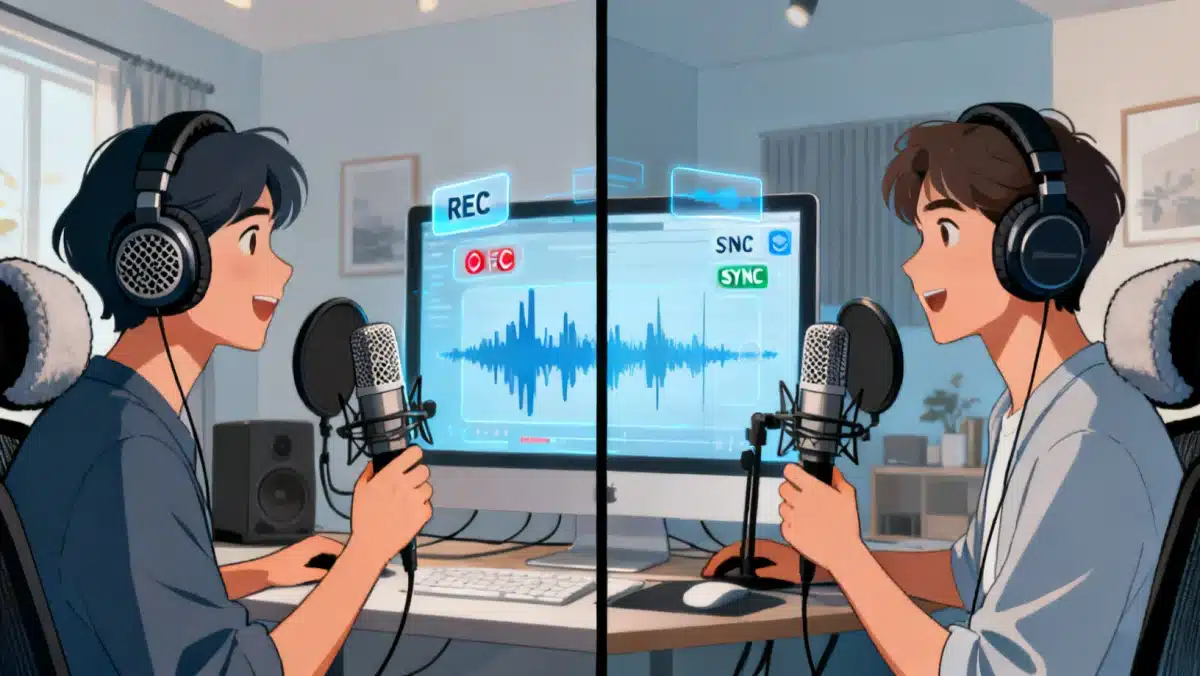

Core advantages for audio professionals
- High-fidelity local audio recording: Guarantees individual track quality irrespective of network conditions.
- Automated sound processing: Built-in tools for noise reduction and post-production, streamlining the editing phase.
- Live soundboard for dynamic interactions: Allows hosts to play sound effects or music during live sessions, enhancing engagement.
Zencastr’s dedication to providing a stable and high-quality audio recording environment has earned it a loyal user base. Its ease of use, combined with powerful features like automated post-production, makes it a compelling choice for anyone in need of dependable remote audio capture for professional projects.
Tool 3: SquadCast – Collaborative power for distributed teams
SquadCast distinguishes itself through its robust focus on collaborative workflows and ensuring the highest possible audio and video quality for multi-participant sessions. Similar to its competitors, it records audio and video locally, uploading separate tracks to the cloud for maximum fidelity. However, SquadCast’s strength lies in its commitment to stability and a highly reliable connection, minimizing dropped sessions and technical glitches.
Designed with distributed teams in mind, it offers features that facilitate seamless interaction, such as crystal-clear communication during recording and efficient file management. Its user-friendly interface ensures that hosts and guests can connect and record with minimal technical hurdles, making it a favorite for professional podcasts and remote interviews where reliability is paramount.
Key features for team collaboration
- Progressive uploads: Files are uploaded continuously during the recording, providing a backup in case of connection issues.
- Dedicated support and reliability: Known for its stable platform and responsive customer service, crucial for live productions.
- High-quality video and audio capture: Ensures all participants are recorded in the best possible resolution, enhancing the final product.
SquadCast’s emphasis on reliability and high-quality capture, coupled with features designed for collaborative teams, makes it an excellent choice for productions that cannot afford technical interruptions. Its progressive upload system offers an additional layer of security, safeguarding valuable recordings from unforeseen technical difficulties.
Practical considerations for choosing your remote recording tool
Selecting the ideal remote recording tool involves more than just looking at a feature list; it requires a practical assessment of your specific needs, budget, and technical proficiency. Each platform offers a unique blend of capabilities, and what works best for one creator might not be suitable for another. Consider the scale of your projects, the number of participants, and your desired level of post-production automation.
For instance, if you prioritize an all-in-one solution with extensive AI-powered editing, Riverside.fm might be your go-to. If simplicity and rock-solid audio capture are your main concerns, Zencastr could be a better fit. And for large, distributed teams where reliability is non-negotiable, SquadCast shines. Understanding these nuances will guide you towards a tool that genuinely enhances your workflow.
Factors influencing tool selection
- Budget constraints: Free tiers versus subscription models, and their respective feature sets.
- Team size and collaboration needs: How many participants will be recording simultaneously, and what level of interaction is required?
- Technical expertise: Intuitive interfaces versus more complex, highly customizable options.
- Post-production workflow: The extent to which you rely on automated editing versus manual intervention.
Ultimately, the best tool is one that seamlessly integrates into your existing production pipeline, minimizes technical headaches, and consistently delivers the professional sound quality your audience expects. Pilot testing different platforms with your team can provide invaluable insights before committing to a long-term solution.
Optimizing your remote recording setup for 2026
Beyond the software, the quality of your remote recordings in 2026 heavily depends on your hardware and environment. Even the most advanced software cannot fully compensate for poor microphone quality, noisy surroundings, or an unstable internet connection. Investing in a good quality microphone, such as a USB condenser or an XLR microphone with an audio interface, is foundational.
Equally important is creating a conducive recording environment. This means minimizing background noise, using acoustic treatment if possible, and ensuring a stable, high-speed internet connection. A quiet, dedicated space can make a significant difference in the clarity and professionalism of your audio. Paying attention to these often-overlooked details will elevate your remote productions to truly professional standards.
Essential hardware and environmental tips
- Microphone choice: USB for simplicity, XLR for versatility and higher quality with an interface.
- Headphones: Closed-back headphones prevent microphone bleed and improve monitoring.
- Acoustic treatment: Simple solutions like blankets or foam panels can drastically reduce room echo.
- Stable internet connection: Wired connections are generally more reliable than Wi-Fi for critical recording sessions.
By combining top-tier software with a well-optimized physical setup, creators can achieve unparalleled sound quality in their remote recordings. This holistic approach ensures that every element, from the initial capture to the final mix, contributes to a polished, professional-grade product that stands out in a crowded digital landscape.
| Key Feature | Description |
|---|---|
| Local Recording | Captures individual audio/video tracks on each participant’s device for superior quality, independent of internet stability. |
| AI Post-Production | Automated editing, noise reduction, and transcription tools to streamline the production workflow and save time. |
| Collaboration Tools | Features like live soundboards, progressive uploads, and seamless guest invitations for effective team interaction. |
| Hardware Optimization | Importance of quality microphones, headphones, and acoustic environment for maximizing recording fidelity. |
Frequently asked questions about remote recording in 2026
The most crucial factor is local recording capability, where each participant’s audio and video are captured directly on their device. This method ensures pristine quality, as it bypasses potential internet connection issues that can degrade real-time streamed audio, making post-production much smoother.
AI tools significantly enhance remote recording by automating tedious tasks. They can provide instant transcriptions, remove background noise, level audio volumes, and even perform basic edits. This allows creators to focus more on content and less on technical adjustments, speeding up the overall production workflow considerably.
Yes, a stable, high-speed internet connection remains vital, even with local recording platforms. While local recording ensures raw file quality, a good connection is essential for real-time communication, monitoring, and efficient uploading of large audio and video files post-session. Wired connections are generally preferred for stability.
Prioritize a high-quality microphone first, either a good USB model or an XLR microphone with an audio interface. Secondly, invest in comfortable, closed-back headphones to prevent audio bleed into your microphone. Ensuring a quiet recording environment is also crucial, often more impactful than expensive gear alone.
With the right tools and setup, remote recording in 2026 can absolutely achieve comparable, if not identical, quality to an in-person studio. Advanced platforms, combined with optimized hardware and acoustic environments, minimize technical compromises, allowing for broadcast-ready audio and video productions from any location globally.
Conclusion
The evolution of remote recording 2026 has ushered in an era where geographical barriers no longer dictate audio and video quality. Tools like Riverside.fm, Zencastr, and SquadCast exemplify this shift, offering robust solutions that cater to diverse creative needs while upholding professional standards. By understanding the core strengths of each platform, optimizing personal recording setups, and embracing the technological advancements available, creators can confidently produce high-quality content from anywhere. The future of content creation is undeniably remote, and with these tools, professional sound quality is well within reach for every podcaster, voice artist, and distributed team.